Your questions are promptly handled by the development team.
Easy-to-use API, Quick Start Guides, and extensive Documentation
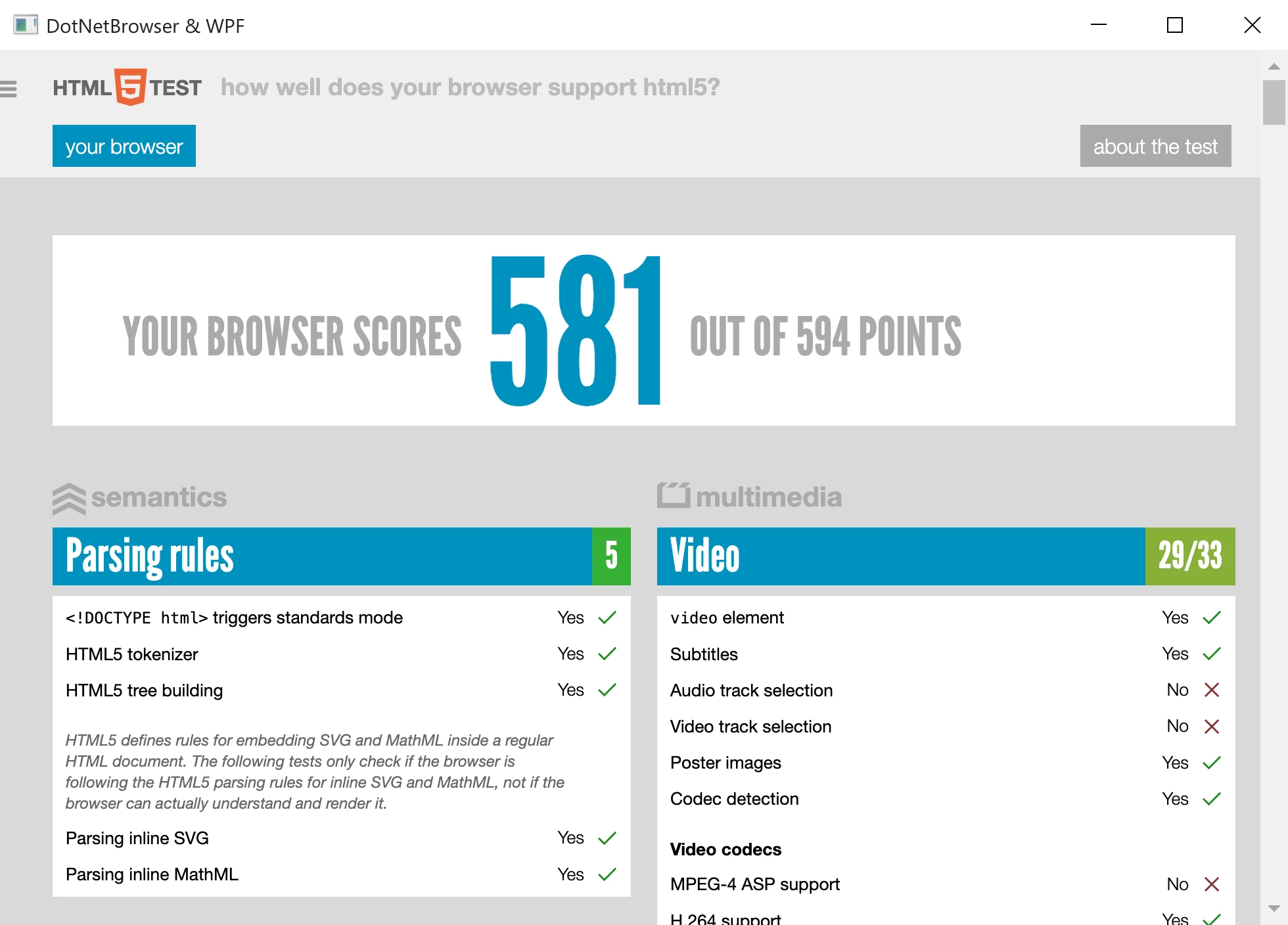
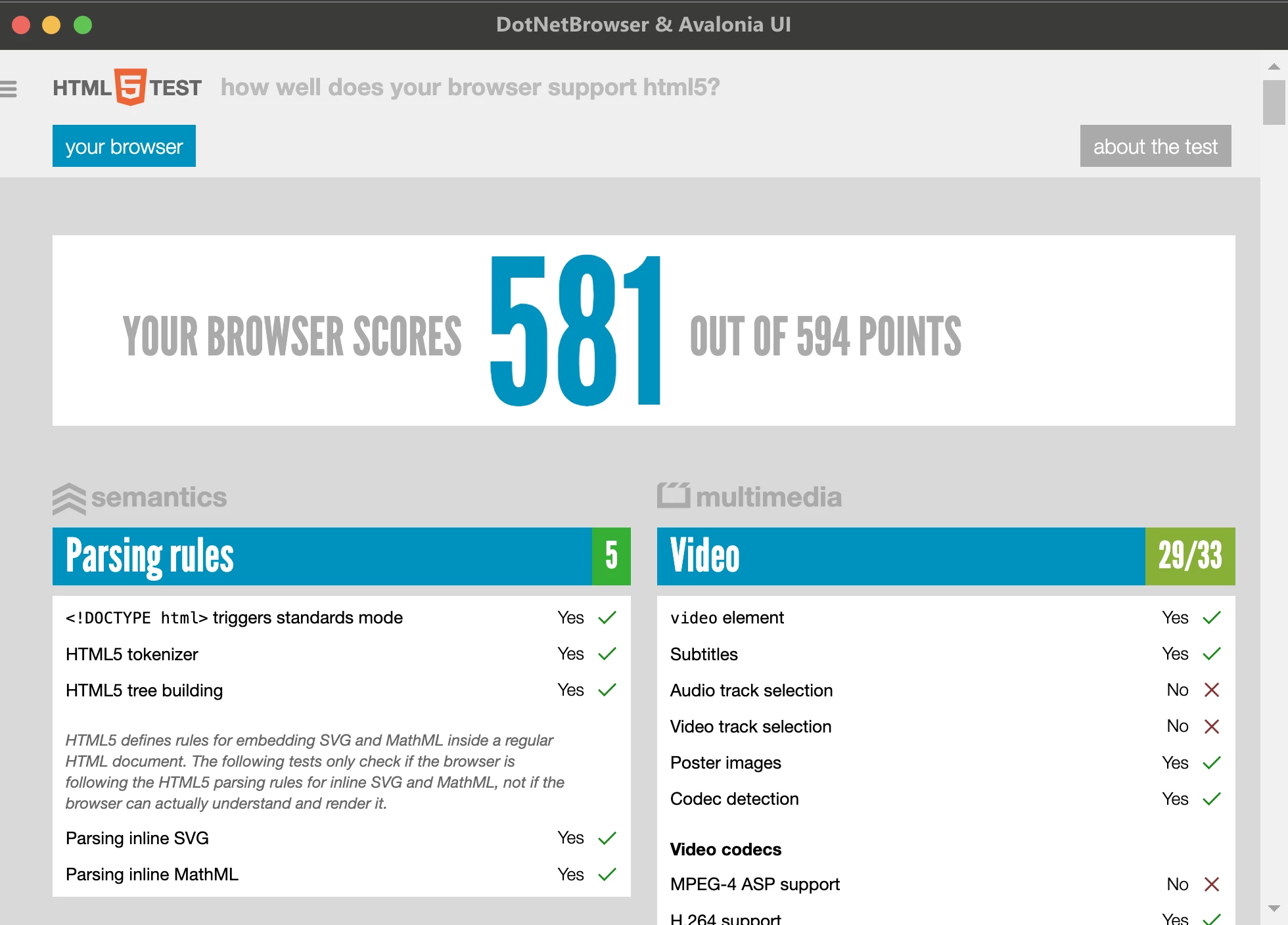
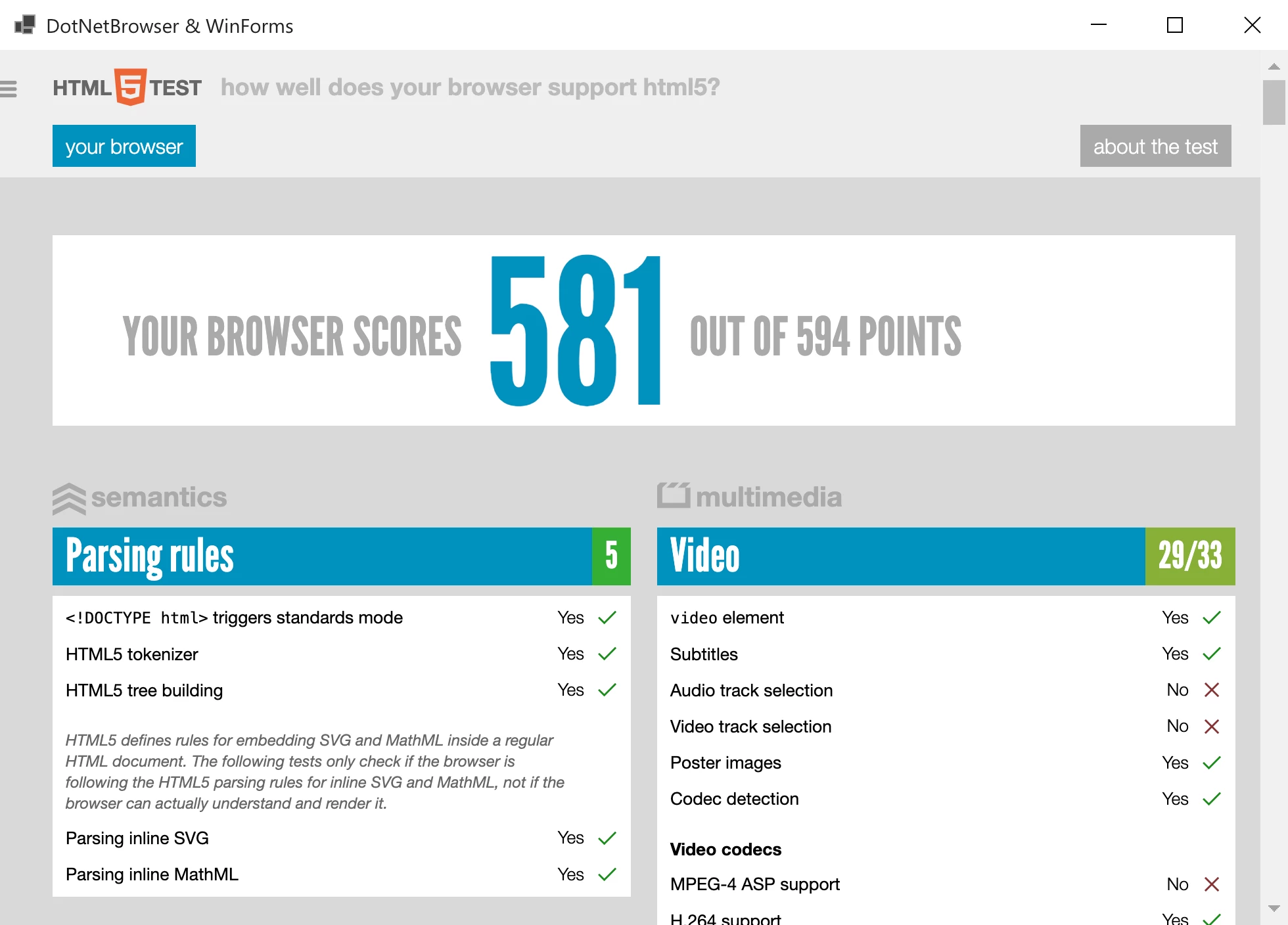
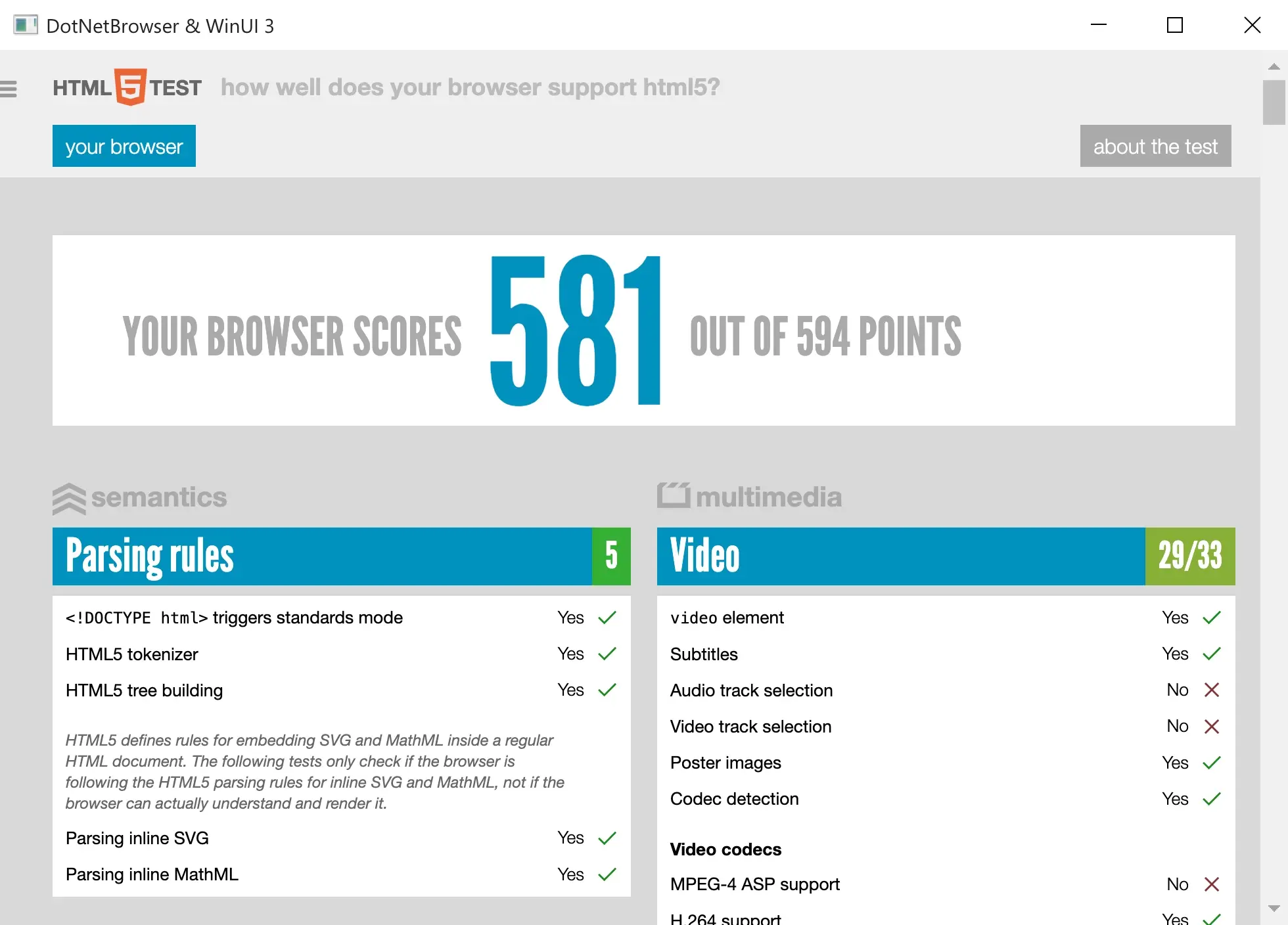
Is based on a Chromium™ browser. Can display modern content built with HTML5, CSS3, JavaScript, Flash and other web technologies.
DotNetBrowser Full Screen
-
// Copyright...
-
using ...
-
/// <summary> ...
-
namespace Sample.WinForms {...
-
public partial class Form1 : Form
{...
- private readonly IEngine engine;
- private readonly IBrowser browser;
-
-
public Form1()
{...
- InitializeComponent();
-
- // Create and initialize the IEngine
- engine = EngineFactory.Create();
-
- // Create the Windows Forms BrowserView control
- BrowserView browserView = new BrowserView() {
- Dock = DockStyle.Fill
- };
-
- // Create the IBrowser
- browser = engine.CreateBrowser();
- browser.Navigation.LoadUrl("https://teamdev.com/dotnetbrowser");
-
- // Initialize the Windows Forms BrowserView control
- browserView.InitializeFrom(browser);
-
- // Add the BrowserView control to the Form
- Controls.Add(browserView);
- Closed += Form1Closed;
}
-
-
private void Form1Closed(object sender, EventArgs e)
{...
- browser.Dispose();
- engine.Dispose();
}
}
}
-
' Copyright...
-
Imports ...
-
''' <summary> ...
-
Partial Public Class Form1
...
- Inherits Form
- Private ReadOnly engine As IEngine
- Private ReadOnly browser As IBrowser
-
-
Public Sub New()
...
- InitializeComponent()
-
- ' Create and initialize the IEngine
- engine = EngineFactory.Create()
-
- ' Create the Windows Forms BrowserView control
- Dim browserView As New BrowserView() With {.Dock = DockStyle.Fill}
-
- ' Create the IBrowser
- browser = engine.CreateBrowser();
- browser.Navigation.LoadUrl("https://teamdev.com/dotnetbrowser");
-
- ' Initialize the Windows Forms BrowserView control
- browserView.InitializeFrom(browser)
-
- ' Add the BrowserView control to the Form
- Controls.Add(browserView)
- AddHandler Me.Closed, AddressOf Form1Closed
End Sub
-
-
Private Sub Form1Closed(ByVal sender As Object, ByVal e As EventArgs)
...
- browser.Dispose()
- engine.Dispose()
End Sub
End Class
MainWindow.xaml
-
<!-- Copyright...
-
<Window x:Class="Sample.Wpf.MainWindow"> ...
-
- xmlns="http://schemas.microsoft.com/winfx/2006/xaml/presentation"
- xmlns:x="http://schemas.microsoft.com/winfx/2006/xaml"
- xmlns:d="http://schemas.microsoft.com/expression/blend/2008"
- xmlns:mc="http://schemas.openxmlformats.org/markup-compatibility/2006"
- xmlns:wpf="clr-namespace:DotNetBrowser.Wpf;assembly=DotNetBrowser.Wpf"
- mc:Ignorable="d"
- Title="MainWindow" Height="450" Width="800" Closed="MainWindow_OnClosed">
-
<Grid>
- <wpf:BrowserView x:Name="browserView"/>
</Grid>
</Window>
See another example for working with XAML
MainWindow.xaml.cs
-
// Copyright...
-
using ...
-
/// <summary> ...
-
namespace Sample.Wpf {...
-
public partial class MainWindow : Window
{...
- private readonly IEngine engine;
- private readonly IBrowser browser;
-
-
public MainWindow()
{...
- InitializeComponent();
-
- // Create and initialize the IEngine
- engine = EngineFactory.Create();
-
- // Create the IBrowser
- browser = engine.CreateBrowser();
- browser.Navigation.LoadUrl("https://teamdev.com/dotnetbrowser");
-
- // Initialize the WPF BrowserView control
- browserView.InitializeFrom(browser);
}
-
-
private void MainWindow_OnClosed(object sender, EventArgs e)
{...
- browser.Dispose();
- engine.Dispose();
}
}
}
MainWindow.xaml.vb
-
' Copyright...
-
Imports ...
-
''' <summary> ...
-
Partial Public Class MainWindow
...
- Inherits Window
- Private engine As IEngine
- Private browser As IBrowser
-
-
Public Sub New()
...
- InitializeComponent()
-
- ' Create and initialize the IEngine
- engine = EngineFactory.Create()
-
- ' Create the IBrowser
- browser = engine.CreateBrowser();
- browser.Navigation.LoadUrl("https://teamdev.com/dotnetbrowser");
-
- ' Initialize the WPF BrowserView control
- browserView.InitializeFrom(browser)
End Sub
-
-
Private Sub MainWindow_OnClosed(ByVal sender As Object, ByVal e As EventArgs)
...
- browser.Dispose()
- engine.Dispose()
End Sub
End Class
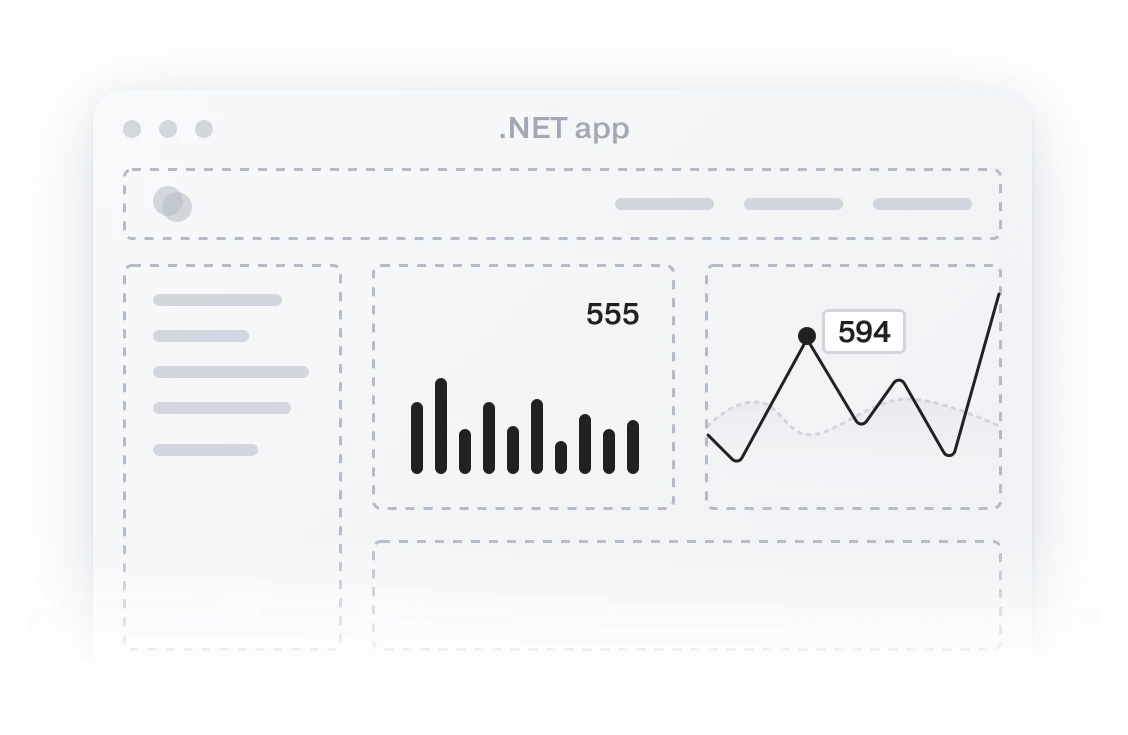
DotNetBrowser provides .NET WPF / WinForms Control that can be embedded into .NET Applications to display HTML content including modern web pages. Learn more.
DotNetBrowser inherits the Chromium Multi-Process Architecture. It means that every web page is rendered in a separate Chromium Render process. Actually all native functionality is running in separate native processes. It means that Chromium will not use memory of your .NET application.
With StartNavigationHandler you can handle any load activity including filtering all URLs loaded in Browser component. See example.
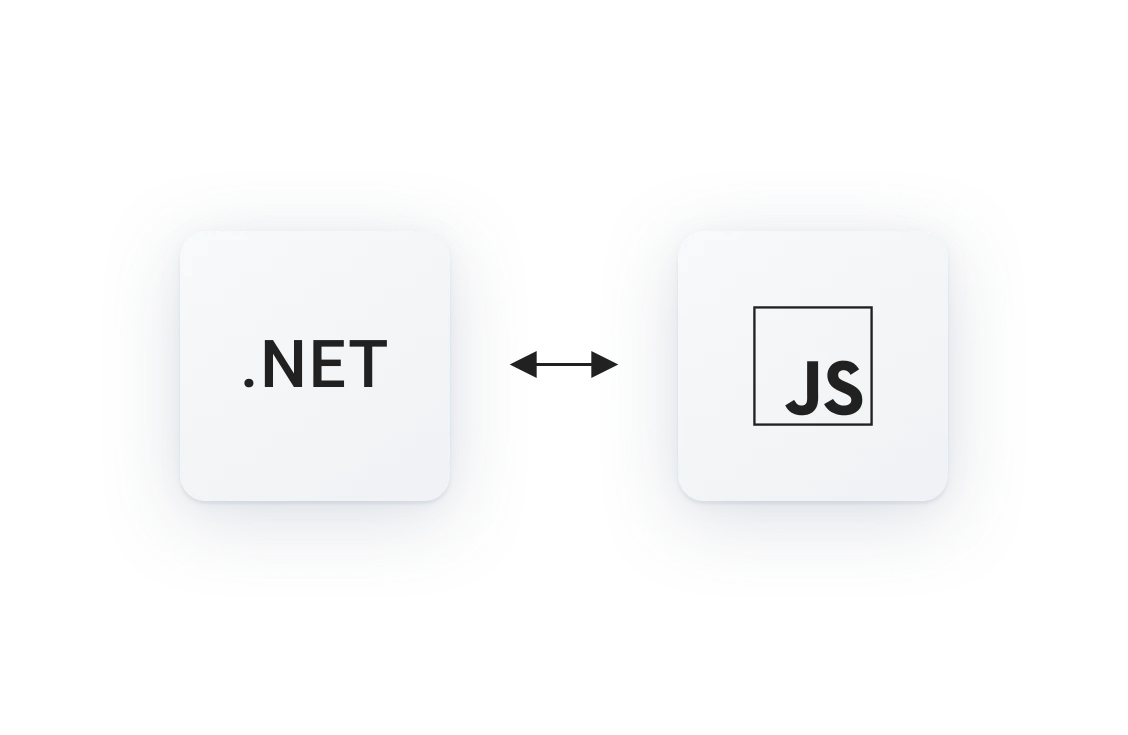
You can execute JavaScript code on the loaded web page and return the result of execution to the .NET side. You can register new JavaScript functions and associate them with .NET methods. Every time JavaScript invokes this function an appropriate .NET method will be applied. Learn more.
DotNetBrowser API allows handling SSL X.509 Client Certificates. See example.
DOM API provides functionality that can be used for accessing and modifying DOM, finding particular nodes, modifying their attributes and contents, listening to DOM events and even more – all without the need to use JavaScript. Learn more.
Web page is rendered by Chromium engine. Because of this web pages will look exactly as in Google Chrome.
You can listen to different web browser events such as start loading frame, finish loading frame, fail loading frame, document loaded in main frame, title and status change events etc. See example.
With ResourceHandler you can handle process of loading resources such as HTML, images, JavaScript, etc. See example.
All popup windows can be handled with CreatePopupHandler. You decide whether popup window should be displayed or not and how exactly it should be displayed (e.g. in a separate window, in your application tab etc.). Learn more.
Using IPlugins API you can get information about all available plugins and enable/disable them. Learn more.

Take a screenshot, and even capture an image of the complete web page. See example.
Use Google Maps™ Geolocation API and work with Google Maps. See example.
DotNetBrowser supports all the modern web standards including HTML5, CSS3 and JavaScript. In general it supports the same web standards as Google Chrome™.
The JavaScript dialogs such as alert, confirmation, prompt, beforeunload, file upload dialog can be handled using Dialog Handlers. You can choose whether a JavaScript dialog should be displayed or not and what the dialog should look like. See example.
The Browser.SaveWebPage() allows you to save the loaded web page as a set of files. See example.
Using the ConsoleMessageReceived event you can listen to console messages with different levels such as DEBUG, LOG, WARNING or ERROR, to get notifications about JavaScript errors on the loaded web page. See example.
With DotNetBrowser you can modify browser’s User-Agent string that will be sent to a web server. See example.
Evaluate XPath expressions in scope of the whole document or a specific node. See example.
During your active support subscription you can submit and track requests related to your project in DotNetBrowser Help Center.
Check the questions with #dotnetbrowser tag on Stack Overflow to see how other developers solved the tasks you are facing.
Follow @DotNetBrowser on Twitter for the latest product news.
Evaluation SupportProvided for 30 days |
Standard SupportProvided for one year with 25% discount for renewal |
Premium SupportContract-based time and materials service |
|---|---|---|
| Help with the product use | Help with the product use | Help with the product use |
| Response within one business day | Response within one business day | Response within one business day |
| Provided by email | Provided by email | Provided by email |
| — | Product updates | Product updates |
| — | — | Phone, chat and remote desktop |
| — | — | Feature development |
| — | — | Priority issue resolution |
| Evaluate for Free | Request Renewal | Request Premium |
If you have questions, not covered by the documentation, please email us at sales@teamdev.com.
Product license agreement ∙ LGPL compliance
DotNetBrowser is using Webkit and FFmpeg components, supplied under LGPL.
The prices on this page are exclusive of any taxes.
No, all required Chromium binaries are deployed with DotNetBrowser library. You don’t need to install Google Chrome to work with DotNetBrowser.
The library uses Chromium 69.0.3497.12.
Take a look at the license installation instruction.
You can find a lot of examples inside the Examples repository.
Major and minor version upgrades issued during your active Standard Support subscription period are free of charge. Upon expiration of the Standard Support subscription you can renew it with a 25% discount from the actual license price.
Please take a look at the Product License Agreement.
You only need to purchase 2 licenses. We license our library by the number of people who write code using our library.
This is possible with the Per Developer License.
You can distribute unlimited number of copies of your product with our library enclosed.
You may want to purchase a Project License, which is cost-effective in case there are 3 and more developers on the team. The Project License is bound to a single project you do, but it allows any number of developers in your company to work with our library.
Project License is bound to your project via the namespace where you plan to create an IEngine instance. For additional information on binding, please take a look at the following article.
When we say “project” we have in mind one product of your company including your future product versions or potential derivative works based on your product.
The Project License is tied to one project only.
The best solution would be to purchase the Company–wide License, which covers any number developers and projects in one company.
When you purchase a commercial license, we will send you an email with a license key.
You can use this license key both for development of your application with DotNetBrowser, and for distribution of our library as part of your application.
Yes, you can purchase DotNetBrowser Source Code License; it is provided on a per developer basis. Please contact our sales team if you are interested in this option.
Chromium code is mainly provided under a permissive BSD license, however, some components it includes are supplied under different licenses. We have reviewed the licenses for all components included in DotNetBrowser and referenced them here. There are no requirements to disclose your proprietary code.
With this license you will be able to evaluate our product
for 30 days.
The evaluation license will not work after this time, so you will need to purchase the license.